ERP Software Explained: How One System Replaces Nine Spreadsheets
Most businesses do not outgrow their software. They outgrow the gaps between it, and those gaps are where the working day disappears.
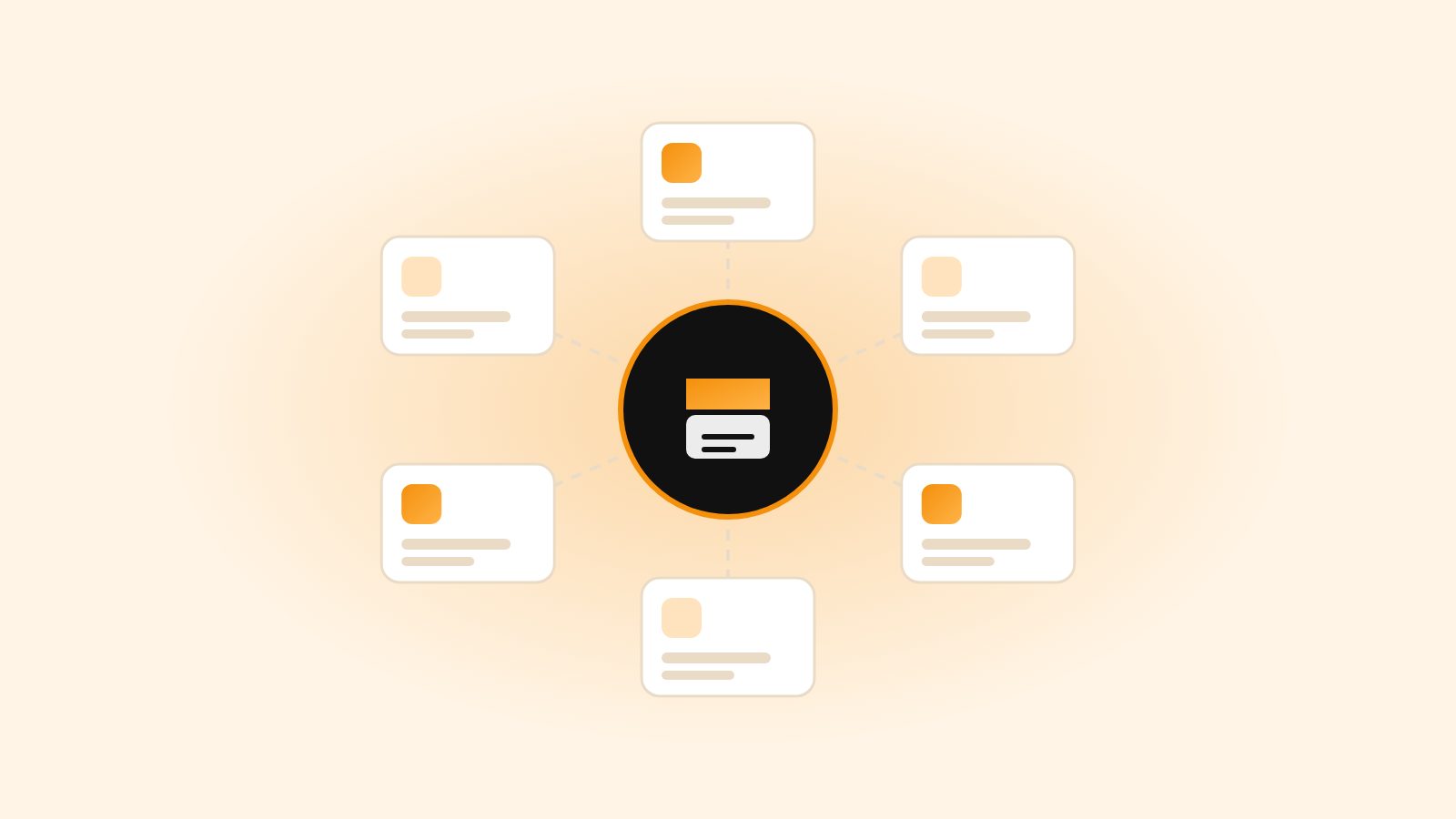
ERP has a reputation for being enormous, expensive and slightly terrifying, which puts off exactly the businesses that would benefit most. Stripped of the jargon, an ERP system is just this: one place where stock, orders, purchasing, money and people share the same numbers.
Most growing businesses do not outgrow their software. They outgrow the gaps between it.
What the gaps actually cost
You can usually spot a business running on gaps without looking at a single system. The symptoms are behavioural:
- Someone retypes the same order into three places, and one of them is a WhatsApp message
- Nobody can say what is actually in stock without walking to the shelf
- The month-end close takes a week because figures have to be reconciled by hand
- Two people quote the same customer different prices, both honestly
- The real version of the stock sheet is on one laptop, named something like final_v7
None of these feel like a software problem day to day. They feel like being busy. That is exactly why they persist for years.
What an ERP system is made of
ERP is modular, and you do not need all of it. The common modules:
- Inventory and stock — live quantities across locations and sales channels, with reorder points
- Sales and orders — quote to order to dispatch in one trail, including online orders
- Purchasing — purchase orders, supplier pricing, goods received, what is still owed
- Finance — invoices, payments and ledgers fed by the work rather than retyped
- HR and payroll — staff records, attendance and leave
- Reporting — the handful of numbers you genuinely run the business on
The value is not in any single module. It is in two of them sharing one record, so that dispatching an order reduces stock and raises an invoice without anyone typing anything twice.
Off-the-shelf or custom?
This is the decision that determines the budget, and the honest answer is that most businesses should start by assuming off-the-shelf.
Choose an existing platform when
- Your processes are fairly standard, even if they feel unique from the inside
- You need accounting, stock and purchasing to simply work together
- You want a shorter path to being live and a lower initial cost
Choose a custom build when
- Your process is the thing that makes you money, and standard software would force you to work worse
- You operate in a niche no mainstream product serves properly
- You need deep integration with existing systems that would otherwise require constant manual bridging
A reasonable middle path exists too: take a solid platform and customise the two or three areas that are genuinely specific to you.
Why ERP projects fail, and how to avoid it
Most ERP failures are not technical. They are three predictable mistakes:
- Everything at once. Switching the whole company over on one date means every problem arrives simultaneously, while trading continues. Go module by module.
- Mapping the process you wish you had. If you build around the official procedure rather than what people actually do, the workarounds come straight back and now they are invisible.
- Dirty data. Migrating years of inconsistent product codes and duplicate customers into a new system produces a faster version of the same confusion. Clean first.
A rollout that works
The sequence we use on ERP projects:
- Map what you do now by sitting with the people doing the work, including the workarounds nobody mentions in meetings.
- Build the module that hurts most — usually stock or orders — and get it live on real data.
- Migrate and connect, checking the data as it moves, then wire in your store, courier and accounting tools.
- Train on your own data, not a demo set, then add the next module.
Each stage has to be useful on its own. If stage one does not save somebody real time, stop and work out why before building stage two.
How to tell whether it worked
Decide the measures before you start, and keep them boring: how long month-end takes, how often you are out of stock on your best sellers, how many times a day a number is typed into a second system. If those have not moved six months after go-live, the system is not the problem — the process it was built around was.
The conclusion
ERP is not about buying software. It is about deciding that the same fact should exist in one place rather than five, and then being disciplined about it.
Start with the module that is costing you the most time this month. The rest can wait, and waiting is usually the right call.
Filed under ERP. More on ERP development and CRM development.